TastaCalma
TastaCalma gives your Mac’s keyboard a short, quiet break. Choose a timer, click Lock keyboard, and wipe the keys without sending stray letters into your work. Typing returns automatically when the countdown ends; your mouse or trackpad stays available throughout.
A small native Mac app, with a calm interface and a playful Italian touch.
Download TastaCalma 1.0 for Mac
Version 1.0 (build 23) · macOS 15.6 or later · Intel and Apple silicon
Available directly from GitHub as a Developer ID signed and notarized app, distributed outside the Mac App Store.
Release notes · Download checksum · Installation help
A moment of care, without the fuss
-
Your pace, your pause
Choose 30 seconds, 1, 2, 3 or 5 minutes. TastaCalma remembers your last choice, so your next cleaning break is ready when you are.
-
Quiet keys
Temporarily pause keyboard input during the countdown. Your mouse and trackpad remain active, keeping the app’s controls within reach.
-
Back to typing
The keyboard unlocks automatically when time runs out. Finished early? Click Unlock now and carry on with your day.
-
A comfortable appearance
Choose System, Light or Dark and select your preferred language. Both choices are saved, and Reduce Motion brings a quieter presentation.
-
A helping hand
Guided Accessibility setup explains the permission TastaCalma needs. Labelled controls and spoken lock and unlock announcements support VoiceOver use.
-
A private little ritual
No account, ads or in-app analytics. TastaCalma works offline and does not record, store or transmit what you type.
Three simple steps
- Install and allow access. Extract the download, move TastaCalma.app to Applications, then open it. Enable TastaCalma in System Settings → Privacy & Security → Accessibility. The setup sheet checks for permission automatically; choose Later if you prefer to return when ready.
- Choose your pause. Select a duration, release any held modifier keys, and click Lock keyboard.
- Let the timer take care of the rest. Keep your mouse or trackpad nearby. Wait for automatic unlock, or click Unlock now to finish early.
Enabling Accessibility permission never starts a cleaning timer by itself. Each session begins with your click.
Small app, a little personality
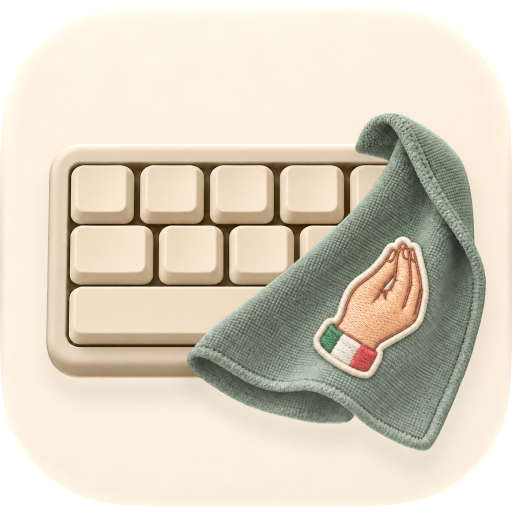
Meet Mammamia, TastaCalma’s icon: an ivory keyboard, a sage-green cloth, and a tiny Italian flourish. A friendly reminder that even a well-used keyboard deserves a moment of attention.
TastaCalma follows your Mac’s language preferences by default, with English and translations into Italian, German, French, Spanish, Portuguese (Portugal), Hindi, Japanese, Russian, Turkish, Ukrainian, Simplified Chinese and Traditional Chinese. Choose Language in the app menu, or use the short language code beside the appearance button, to select a language independently. Follow System restores your Mac’s language selection. Changes take effect without restarting or interrupting a cleaning timer; some interface text may still appear in English.
Open source, ready to use
The app download is ready to run: no Xcode or source build is needed. The source code, documentation and bundled artwork are also available under the MIT License .
Visit TastaCalma on GitHub to explore the source or contribute. For the app itself, choose TastaCalma-1.0.zip from the release assets; GitHub’s automatic Source code archives are for building it yourself.
Before you wipe
TastaCalma pauses typing; it is a cleaning aid, not a security lock. Power / Touch ID cannot be blocked, and some hardware or system actions may still respond. Secure Keyboard Entry or a system interruption can end a session early: stop cleaning if the app reports that the keyboard has unlocked.
Follow your hardware manufacturer’s cleaning instructions. See Apple’s guidance on cleaning Apple products , including when to shut down and unplug your Mac.
Help and privacy
Visit TastaCalma Support for permission setup, troubleshooting and contact details. Read the Privacy Policy for how the app handles keyboard events and local preferences.